
Digital Identity & Citizen Folder: Don't Lose Your Immigration File
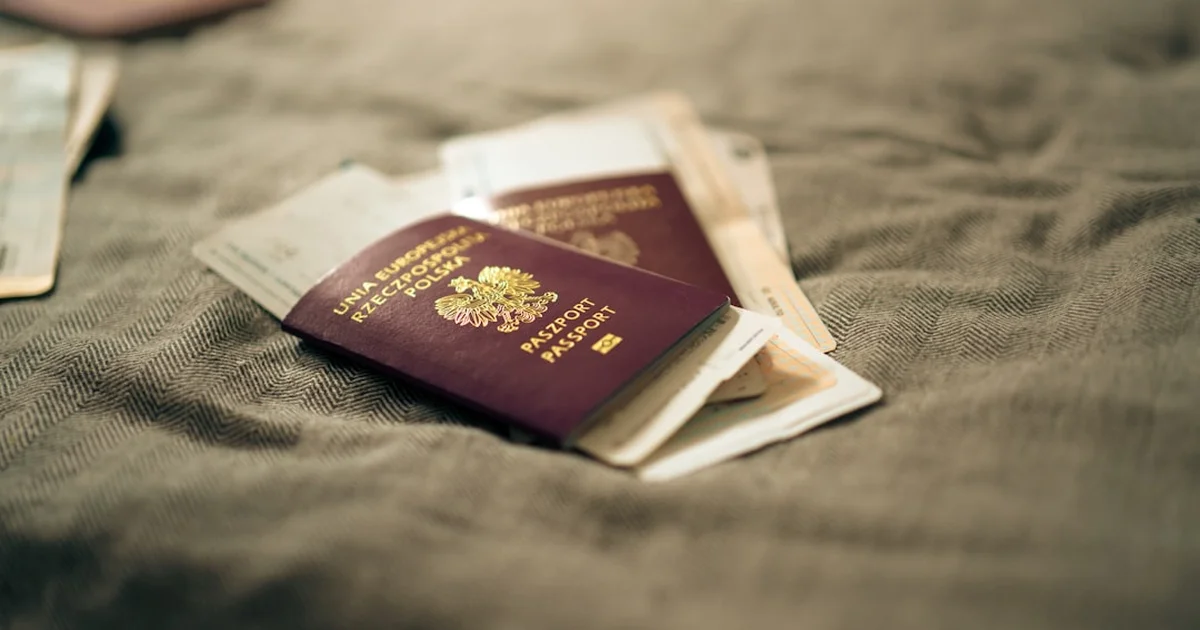
Photo by Jakub Żerdzicki on Unsplash
This is something a lot of people don't know, and it costs them missed renewals, archived files, or penalties that "never arrived." The system works fine. The problem is nobody explains it to you when you get here.
The most expensive mistake you can make
Picture this: immigration sends a request for documents for your renewal. You have 10 days to respond. But you never activated your Carpeta Ciudadana. You don't know about it. The 10 days pass. Your file gets archived.
This has happened to thousands of people. Not out of carelessness, but because nobody warned them. The notification doesn't show up in your email. It doesn't show up on your phone. It only lives on an official portal nobody told you existed.
The most common trap: assuming a letter will show up in your mailbox. It might, and it might not. The Ministry's own electronic headquarters says it plainly: for those who have opted for electronic notification or belong to the groups required to use it, resolutions on their case file are made available there. And since you don't always know which of the two groups you're in —it only takes checking a box on an application, or being self-employed— waiting for the paper letter is a gamble. Checking the Carpeta costs nothing; missing the deadline does.
What is the Carpeta Ciudadana
The Carpeta Ciudadana (carpetaciudadana.gob.es) is your personal space where the Spanish government drops all its communications with you. Decisions, document requests, notifications about your immigration file. All of it, in one place.
To get in, you need to verify your identity through the official system. And for that, you need Cl@ve.
What Cl@ve is and why you need it activated today
Cl@ve is the Spanish government's digital identity system. There are two versions you need to know about:
- Cl@ve PIN: a code sent to you via the Cl@ve PIN app or by SMS. Since the security update it's single-use and expires after 10 minutes: if you don't log in in time, you request another one.
- Cl@ve Permanente: a fixed password you choose yourself. More secure. Required for important procedures and for using the Carpeta Ciudadana with full functionality.
To read immigration notifications in the Carpeta Ciudadana you need, at minimum, an active Cl@ve PIN. But also activate Cl@ve Permanente or Cl@ve Móvil, which the official website calls "the new electronic access system": it's used through the Cl@ve app, by scanning a QR code or confirming the alert sent to your phone, and if you can't use the app it offers you a PIN by SMS. It doesn't replace Cl@ve PIN: both keep working. You'll need them for online renewals, applications, and certificates.
How to activate Cl@ve as a foreigner in Spain
The official website lists five ways to do this, and the one almost nobody knows about is the first:
Option 0: online, with video identification (no appointment, without leaving home)
This is the route that solves the hard case: no appointment needed, no waiting for a letter, and no digital certificate required. You verify your identity by video from your phone or computer. clave.gob.es offers it in two variants —automatic video identification and, if that doesn't work, with manual review—. If you're starting from scratch and have nothing set up, start here. The other four, by speed:
Option 1: At a Cl@ve registration office (the fastest, on the spot)
Bring your valid NIE or TIE to a Cl@ve registration office and they'll activate your account right there. Watch out, because this is where many people waste a trip: Correos does NOT register for Cl@ve (what it offers is Correos ID, a different system). The registration offices are those of the Tax Agency (Agencia Tributaria), Social Security, the SEPE, and the citizen information and assistance offices of the Government Delegations and Sub-delegations. Find yours in the official directory of Cl@ve registration offices and check whether an appointment is required.
Option 2: By letter to your home address (5 to 10 days)
- Go to clave.gob.es and select "Registro en Cl@ve" (Register for Cl@ve).
- Enter your NIE and your TIE's expiration date.
- Request that a letter with the activation code be sent to your home address.
- It arrives in 5-10 business days. With that code, you finish activating online.
Option 3: With a digital certificate or DNIe (instant)
If you already have a digital certificate installed on your computer, or an electronic ID card with a reader, you can activate Cl@ve directly online with no wait and without leaving home.
How to get into your Carpeta Ciudadana
Once Cl@ve is active, the process is simple:
- Go to carpetaciudadana.gob.es
- Click "Acceder con Cl@ve" (Sign in with Cl@ve).
- Choose Cl@ve PIN or Cl@ve Permanente, whichever you have activated.
- Once inside, go to "Notificaciones y comunicaciones" (Notifications and communications).
- This is where all the alerts about your immigration file live.
What you might find there: requests for additional documents, decisions granting or denying your application, communications from the Asylum Office or the Police. Anything the government wants to tell you shows up here.
The 10 days: understand exactly how the clock works
When an agency posts a notification to your Carpeta Ciudadana, the clock starts:
- If you open it before day 10: your response deadline starts counting from that exact moment.
- If you don't open it within 10 calendar days: it's considered read on day 10. The deadlines run all the same.
- If you ignore it completely: you miss the deadline. Your file can be archived or decided against you without you ever getting the chance to respond.
Set up your email alerts right now
When you activate Cl@ve, make sure the email tied to it is one you check every day. If the alert lands in an account you don't use, you'll miss it just the same and the clock keeps running.
To change or check your alert email: log into your profile on clave.gob.es and update your contact info. Two minutes that could save your case.
What to do if you already have unread notifications waiting
If you just activated Cl@ve and, once inside the Carpeta Ciudadana, you see a notification dated more than 10 days ago, it's probably already been considered delivered.
Don't panic, but act fast:
- Open it anyway to find out exactly what it says and what deadline you had.
- If there was a deadline that already passed, talk to an immigration lawyer or an immigrant support organization in your city as soon as possible.
- In some cases you can request that the deadline be reinstated by arguing you weren't aware of the digital notification system. It's not always granted, but it's worth trying with professional help.
Summary: what you need, in what order
| Step | What to do | Estimated time |
|---|---|---|
| 1 | Activate Cl@ve at a registration office (Tax Agency, Social Security, SEPE, or Government Delegation) | On the spot (in person) |
| 2 | Log into the Carpeta Ciudadana | 5 minutes |
| 3 | Check for pending notifications | Immediate |
| 4 | Confirm your alert email is active and correct | 2 minutes |
| 5 | Check the Carpeta Ciudadana every week | Ongoing habit |
Your next step
Tomorrow: find your nearest Cl@ve registration office in the official directory —Tax Agency, Social Security, SEPE, or Government Delegation—, check whether an appointment is required, and bring your valid TIE or NIE. It's activated on the spot.
Then log into carpetaciudadana.gob.es and check whether any notifications are already waiting for you. There might be something there right now that needs a response.
And don't sit around waiting for the letter. It might arrive, but if your case is notified electronically, the deadline runs from the moment the resolution becomes available there, whether you see it or not.
And if what you want is to know how your application is progressing, notification is one thing and the status of your case file is another: that's checked separately, at the electronic headquarters. We walk you through it step by step, with the meaning of each status, in our tool to check your immigration case file status.